Business Central: from OAuth to intercompany reconciliation sessions
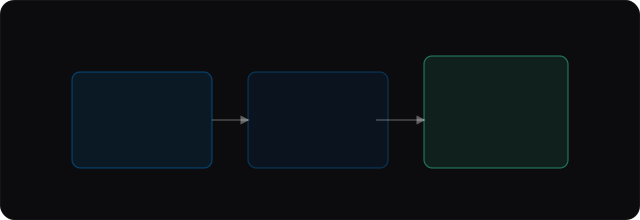
Many mid-market groups run several BC companies. Ninon ingests GL activity through the Business Central API after Microsoft Entra consent—then runs the same session → match → review flow as file-based imports.
Connection and entity mapping
An organisation admin completes Microsoft OAuth, then maps each Ninon legal entity to the corresponding Business Central company GUID (erpLinks.dynamics365bc). Multi-company setups need this mapping before sync lines land on the right entity. See the public Integrations page and in-app Admin → Integrations for live status.
Reconciliation workflow on BC-fed lines
After lines are present for the close period, open a reconciliation session, run matching, and review proposals with rationales. BC remains the system of record; Ninon complements it on the intercompany slice. For Azure app registration steps, use the operator runbook in the repository docs (azure-dynamics-bc-setup).